


Building a Consulting Toolkit: Guide for IT Professionals 2025
- Carlos Perez Alviarez

- Jul 2, 2025
- 8 min read
Building a consulting toolkit sounds straightforward for IT pros, right? Yet over 60 percent of IT consultants say their toolkit holds them back from winning bigger projects. Here is the surprise. The true difference maker is not just about collecting the newest gadgets or software. The real advantage comes from customizing and evolving your toolkit for each market and client, a strategy most overlook until it’s too late.
Table of Contents
Quick Summary
Core Essentials for an IT Consulting Toolkit
Building a robust consulting toolkit requires strategic planning and comprehensive understanding of technological and professional requirements. For IT professionals transitioning into consulting, the toolkit goes beyond technical skills and encompasses a holistic approach to delivering value to clients.
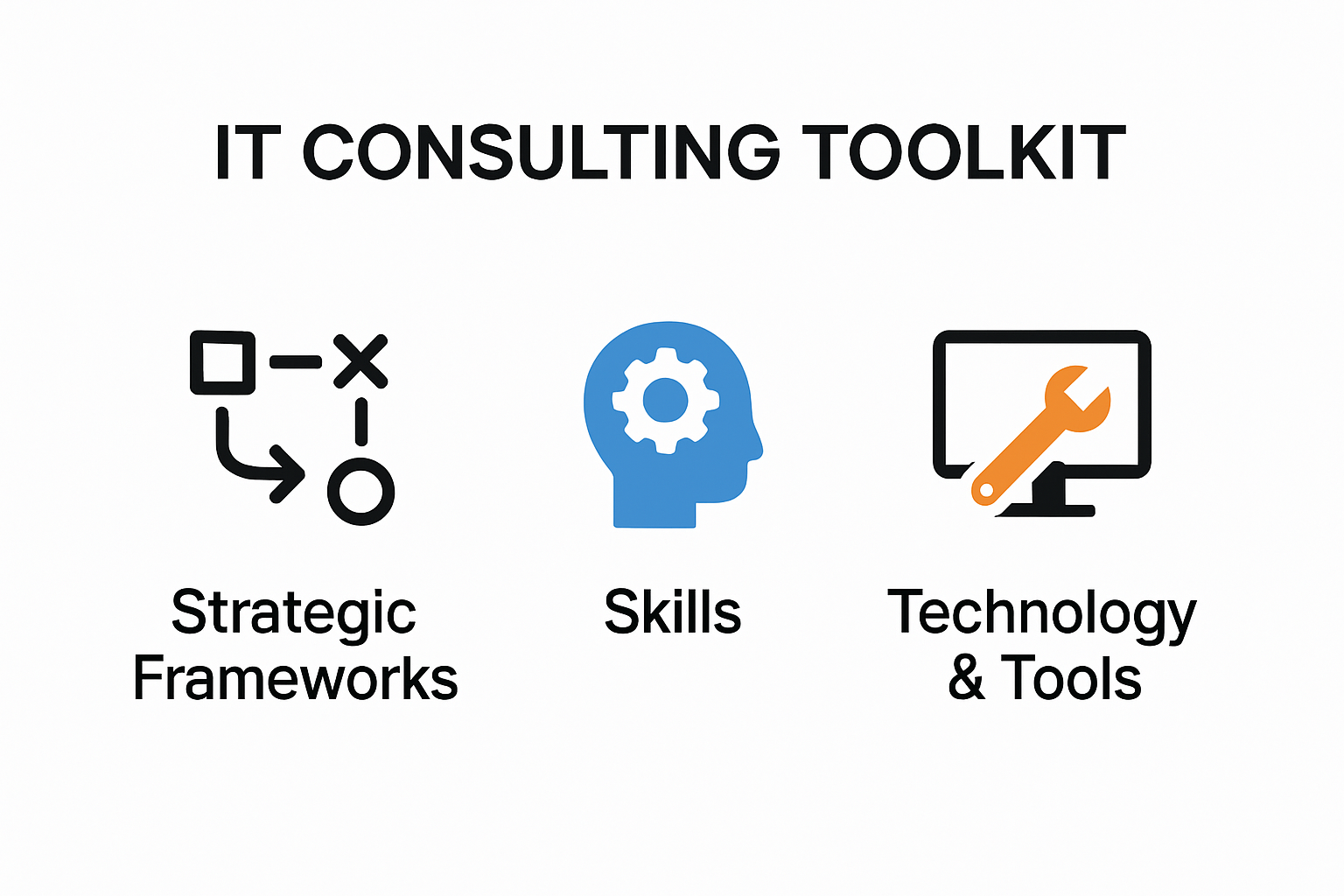
Strategic Technology and Professional Frameworks
At the core of an effective IT consulting toolkit are strategic frameworks that enable professionals to diagnose, analyze, and solve complex technological challenges. Learn more about professional consulting frameworks that can transform your consulting approach.
According to EDUCAUSE Enterprise IT Toolkits, successful IT consultants must master five critical areas: Governance and Relationship Management, Technology Strategy, Understanding Costs and Value, Business Process Management, and Analytics. These domains represent the foundational pillars of a comprehensive consulting toolkit.
Key components in this strategic framework include:
- Diagnostic Tools
: Advanced analytical instruments that help quickly assess organizational technology ecosystems
- Research Methodologies
: Systematic approaches to gathering and interpreting technological and business intelligence
- Presentation Frameworks
: Techniques for communicating complex technological recommendations effectively
Professional Skills and Technical Competencies
The Harvard University Professional Development program highlights that consulting skills extend beyond technical expertise. Professionals must develop a nuanced toolkit that combines technological prowess with interpersonal capabilities.
Critical skills to develop include:
- Communication Strategies
: Translating technical concepts into business language
- Problem Solving Methodologies
: Systematic approaches to identifying and resolving complex technological challenges
- Strategic Thinking
: Ability to connect technological solutions with broader business objectives

Technology and Tool Integration
A modern IT consulting toolkit requires seamless integration of cutting edge technologies and professional tools. This means developing proficiency in cloud platforms, cybersecurity frameworks, data analysis software, and collaborative technologies that enable remote and efficient consulting work.
The toolkit should include:
Comprehensive project management platforms
Advanced data visualization and analysis tools
Secure communication and collaboration software
Robust cybersecurity assessment instruments
By meticulously developing these strategic frameworks, technical competencies, and technological integrations, IT professionals can construct a powerful consulting toolkit that delivers exceptional value to clients and establishes a strong foundation for consulting success.
Remember, a toolkit is not static but a dynamic collection of skills, technologies, and strategies that continuously evolve with technological advancements and market demands.
Must-Have Digital Tools and Platforms
In the rapidly evolving landscape of IT consulting, digital tools and platforms are no longer optional but essential for delivering exceptional client value and maintaining competitive edge. Discover strategies for digital tool integration that can transform your consulting practice.
Project Management and Collaboration Ecosystems
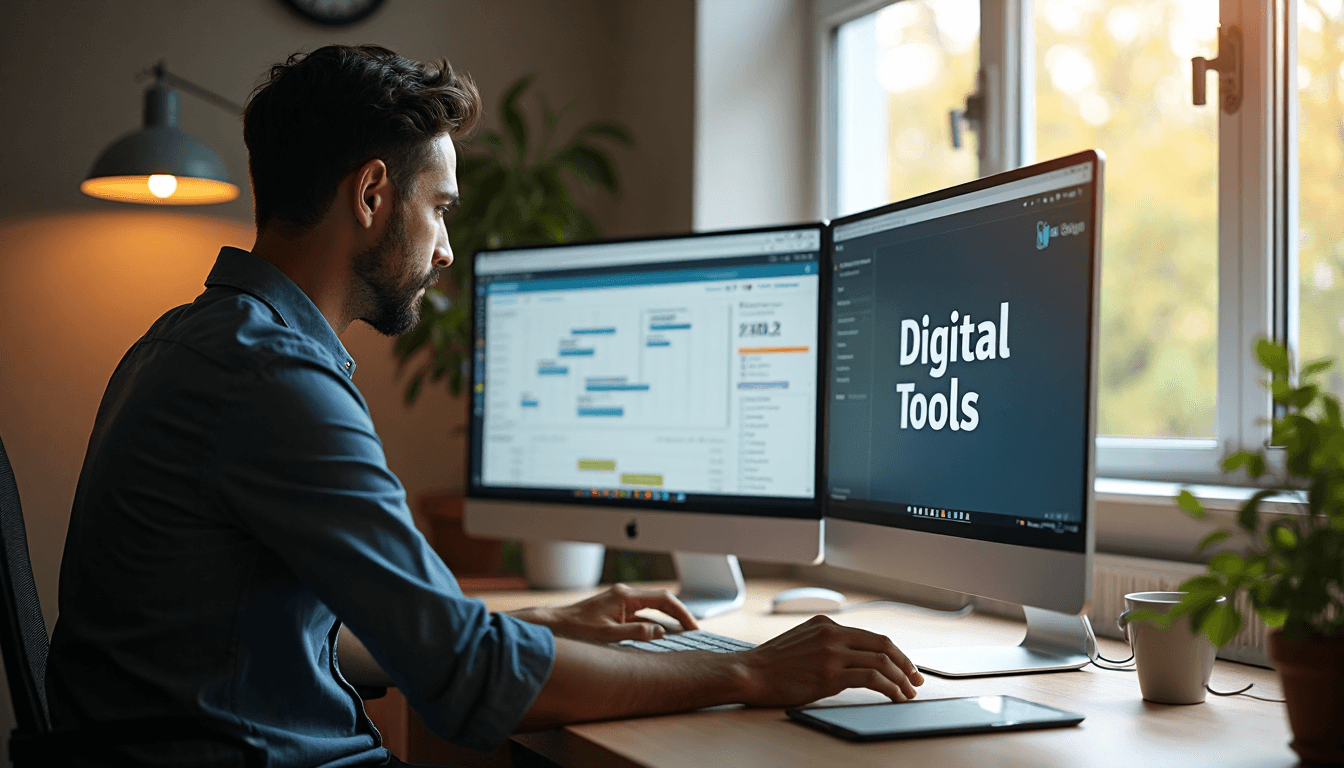
Effective IT consulting demands robust project management and collaboration tools that streamline workflow and enhance communication. According to research from GetGuru, top-tier IT consultants leverage comprehensive platforms that offer integrated solutions for task tracking, resource allocation, and team coordination.
Key project management tools include:
- Microsoft Project
: Advanced scheduling and resource management capabilities
- Asana
: Intuitive task tracking and team collaboration features
- Trello
: Visual project workflow management with customizable boards
These platforms enable consultants to:
Track project milestones with precision
Allocate resources efficiently
Maintain transparent communication channels
Provide real-time project status updates to clients
Here is a summary table comparing key project management and collaboration tools and their notable features:
Communication and Remote Collaboration Platforms
Seamless communication is the backbone of successful IT consulting. Expert analysis from GetGuru emphasizes the critical role of digital communication platforms in modern consulting practices.
Essential communication tools include:
- Slack
: Instant messaging and channel-based team communication
- Microsoft Teams
: Integrated video conferencing and collaborative workspace
- Zoom
: High-quality video meeting and webinar capabilities
These platforms facilitate:
Instant client and team communication
Secure file sharing
Virtual meeting scheduling
Screen sharing and collaborative documentation
Remote Access and Technical Support Solutions
Research from technical support experts highlights the importance of remote access tools for efficient problem resolution and client support.
Critical remote access and technical support tools include:
- TeamViewer
: Comprehensive remote desktop control
- AnyDesk
: Rapid and secure remote system access
- LogMeIn
: Enterprise-grade remote support platform
These solutions enable consultants to:
Troubleshoot client issues instantaneously
Provide real-time technical support
Minimize on-site intervention requirements
Reduce problem resolution times
The following table summarizes remote access and technical support tools along with their primary functions:
By strategically integrating these digital tools and platforms, IT consultants can enhance operational efficiency, improve client satisfaction, and position themselves as technologically advanced professionals in a competitive market. The key is not just acquiring these tools but mastering their implementation to create seamless, value-driven consulting experiences.
Remember that tool selection should be dynamic, continuously evaluated based on emerging technologies, client needs, and evolving industry standards.
Customizing Your Toolkit for Canadian and American Clients
Navigating the nuanced technological landscapes of Canadian and American markets requires strategic toolkit customization that goes beyond generic consulting approaches. Explore regional consulting strategies that address unique market demands and client expectations.
Regulatory and Compliance Frameworks
Successful IT consultants must develop toolkit components that align with distinct regulatory environments in Canada and the United States. The Canadian Digital Service’s Service and Digital Toolkit provides comprehensive guidance for designing user-centered digital services that meet government standards and expectations.
Key compliance considerations include:
- Data Protection Regulations
: Understanding PIPEDA in Canada and CCPA in California
- Privacy Standards
: Adapting to different data sovereignty requirements
- Cybersecurity Compliance
: Aligning with national security and privacy frameworks
According to the Guideline on Service and Digital, consultants must adopt an omni-channel approach that ensures barrier-free access and client-centric service design.
Cultural and Communication Adaptation
Effective toolkit customization extends beyond technical compliance to include cultural communication strategies. The Government of Canada’s Content Design Guide emphasizes creating accessible, user-friendly content that prioritizes task completion, trust, and comprehension.
Critical communication adaptation strategies include:
- Language Nuancing
: Understanding regional communication preferences
- Presentation Styles
: Tailoring delivery to cultural business expectations
- Client Interaction Protocols
: Recognizing subtle differences in professional communication
Consultants must develop communication tools that:
Respect regional business etiquette
Demonstrate cultural sensitivity
Facilitate clear and precise information exchange
Technology Implementation Strategies
Technology toolkit customization requires deep understanding of regional technological ecosystems and client expectations. This means developing flexible solution approaches that can seamlessly integrate with diverse technological infrastructures prevalent in Canadian and American markets.
Implementation considerations include:
- Regional Technology Preferences
: Understanding platform and software adoption trends
- Integration Capabilities
: Developing adaptable technological solutions
- Scalability Frameworks
: Creating toolkit components that work across different market scales
By meticulously crafting a toolkit that respects regulatory requirements, cultural nuances, and technological diversity, IT consultants can position themselves as valuable partners who understand the unique challenges of North American business environments.
Remember that toolkit customization is an ongoing process requiring continuous learning, adaptation, and refinement to meet evolving market demands and client expectations.
Steps to Maintain and Improve Your Consulting Toolkit
Maintaining and improving a consulting toolkit is a dynamic process that requires strategic planning, continuous learning, and proactive skill development. Explore professional growth strategies that can elevate your consulting capabilities.
Continuous Learning and Skill Development
Professional growth is fundamental to maintaining a competitive consulting toolkit. According to EDUCAUSE research, implementing a structured professional development program is crucial for IT professionals to enhance their consulting capabilities.
Key strategies for continuous learning include:
- Training Programs
: Participating in specialized IT and consulting courses
- Professional Certifications
: Acquiring industry-recognized credentials
- Online Learning Platforms
: Utilizing resources like
Courserafor skill enhancement
Consultants should focus on:
Developing cutting-edge technical skills
Improving interpersonal and communication abilities
Staying updated with emerging technology trends
Feedback and Performance Optimization
LinkedIn professional development insights emphasize the importance of seeking regular feedback to identify strengths and improvement areas. This process is critical for toolkit refinement and professional growth.
Effective feedback strategies include:
- Client Feedback Collection
: Implementing systematic client evaluation processes
- Peer Review Mechanisms
: Establishing professional networks for mutual assessment
- Mentorship Engagement
: Seeking guidance from experienced consulting professionals
Key evaluation areas:
Technical problem-solving capabilities
Communication and client relationship management
Project delivery efficiency
Innovative solution development
Technology and Tool Reassessment
Regular toolkit reassessment ensures that consulting approaches remain relevant and competitive. This involves critically evaluating existing tools, technologies, and methodologies to identify potential improvements and innovations.
Critical reassessment components:
- Technology Trend Analysis
: Monitoring emerging technological innovations
- Tool Efficiency Evaluation
: Assessing current toolkit effectiveness
- Innovation Integration
: Incorporating cutting-edge solutions and methodologies
Consultants should:
Conduct quarterly toolkit reviews
Research industry best practices
Experiment with new technologies and approaches
Eliminate outdated or inefficient tools
By adopting a proactive approach to toolkit maintenance, IT consultants can ensure their professional capabilities remain sharp, relevant, and competitive in the rapidly evolving technological landscape.
Remember that toolkit improvement is not a destination but a continuous journey of learning, adaptation, and strategic development.
Frequently Asked Questions
What are the core essentials for an IT consulting toolkit?
The core essentials include strategic technology and professional frameworks, professional skills and technical competencies, and seamless technology and tool integration. This holistic approach helps deliver exceptional value to clients.
How do I customize my consulting toolkit for Canadian and American clients?
Customize your toolkit by understanding the distinct regulatory and compliance frameworks, cultural communication preferences, and regional technology implementation strategies relevant to Canadian and American markets.
What are the must-have digital tools and platforms for IT consultants?
Key digital tools include project management platforms like Microsoft Project, communication tools such as Slack and Microsoft Teams, and remote access solutions like TeamViewer and AnyDesk, which streamline workflow and enhance client interactions.
How can I maintain and improve my consulting toolkit over time?
Regularly engage in continuous learning, actively seek client and peer feedback, and reassess your technology and tools. This proactive approach ensures your toolkit remains relevant and competitive in the evolving IT landscape.
Transform Your Consulting Toolkit Into Real-World Success
Struggling to bridge the gap between technical knowledge and winning major consulting projects? Many IT professionals find that assembling a toolkit is not enough. The real challenge is customizing it for each client, navigating compliance, and truly standing out in the North American market. Pain points like keeping up with technology, meeting regulatory demands, and developing soft skills can slow down your consulting growth.
It is time to move beyond theory and turn your toolkit into a strategy that attracts and impresses clients. Visit The Consultant’s Compass to access practical guides and proven frameworks designed by a veteran solo consultant. You can also download the bestselling book for solo consultants, unlock powerful bonuses, and join a community dedicated to helping you build a business with confidence. Take action now and start building your consulting practice with The Consultant’s Compass before you miss another opportunity to grow.
Recommended
- Transition to Consulting: A Guide for IT Professionals Canada & USA 2025
- Remote Consulting Explained: A Guide for IT Pros in Canada & USA 2025
- Pricing Consulting Services: A Guide for IT Professionals Canada & USA 2025
- Strategic Planning Consulting for IT Pros: Canada & USA 2025
- Independent Consultant Meaning for IT Professionals (2025 Guide)
- Workplace Watch: The Slow Fade of Remote Work in Canada


Comments